Made for phones
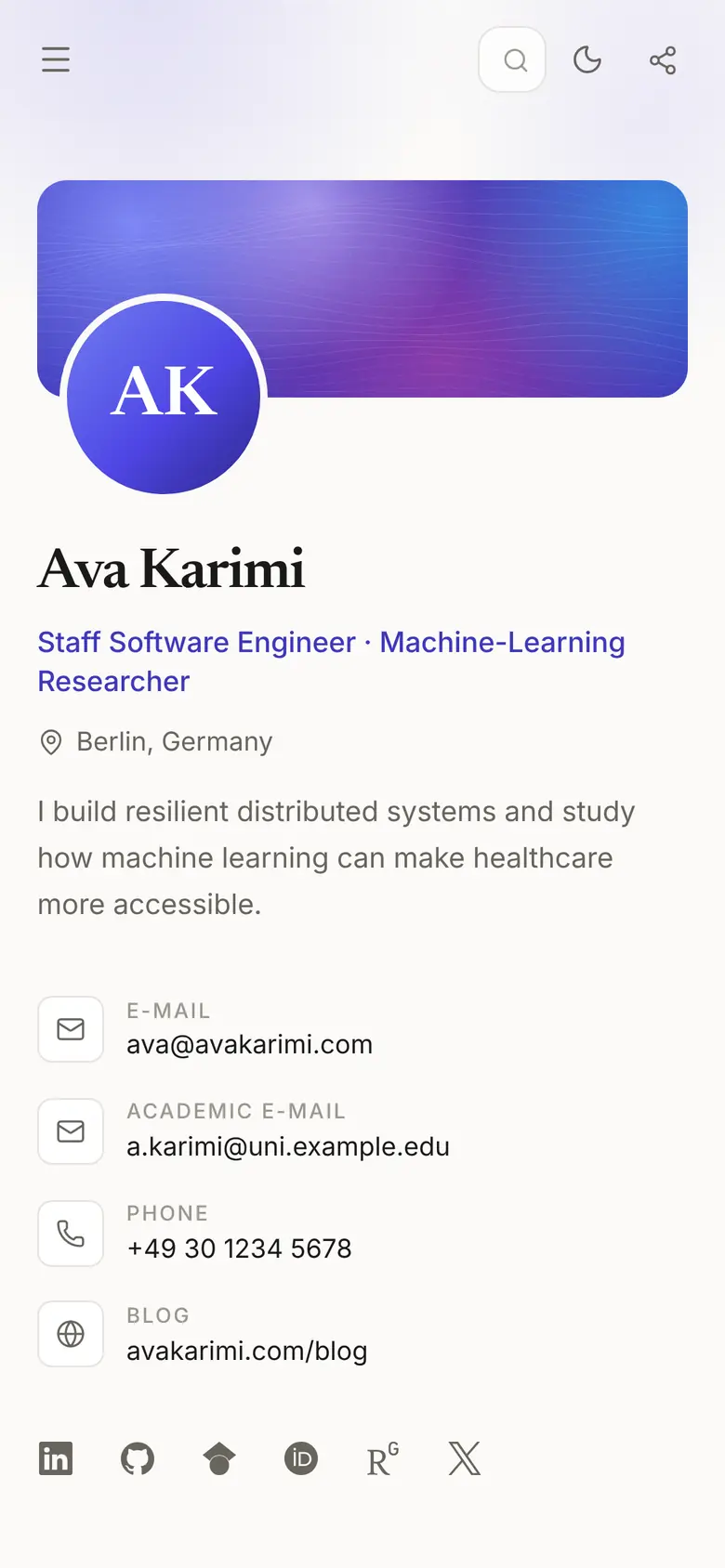
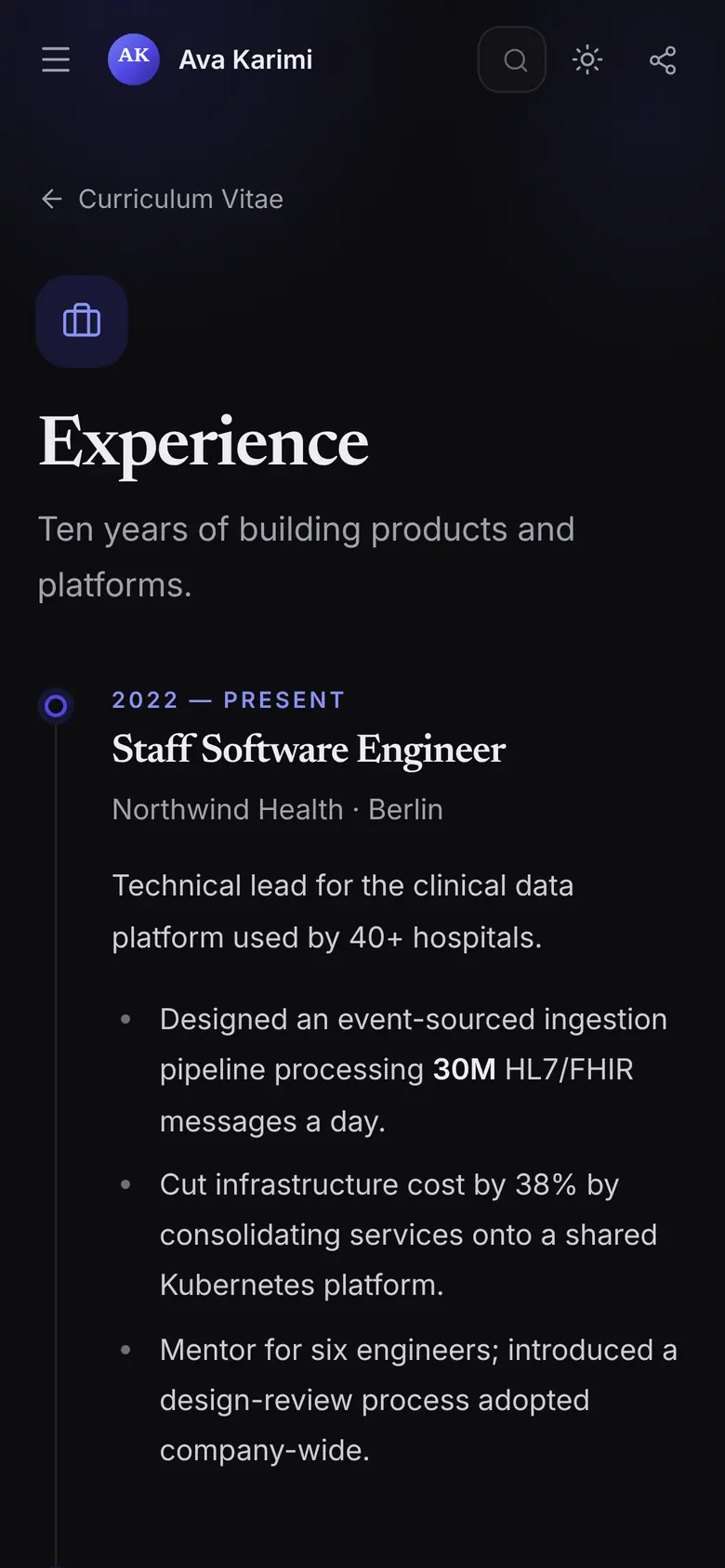
Most people will tap your link on a phone. Every page is designed for a small screen first, in light or dark mode.
Personal CV website + professional email
We turn your CV into a polished personal website on a domain you own, with an email address to match. You keep it up to date yourself from a simple editor.


What you get
A domain is the short name people type to find you. We put yours to work in three places.
avakarimi.com
One short link for job applications, your LinkedIn profile and your email signature. It always shows your latest CV, so nobody reads an old PDF again.
ava@avakarimi.com
A professional address on your own name. Messages sent to it arrive in the inbox you already use.
avakarimi.com/admin
Sign in to edit your CV. Changes save as you type and show up on your site right away.
Names above are examples. You pick and buy your domain yourself, so the exact name depends on what's available.
https://avakarimi.com
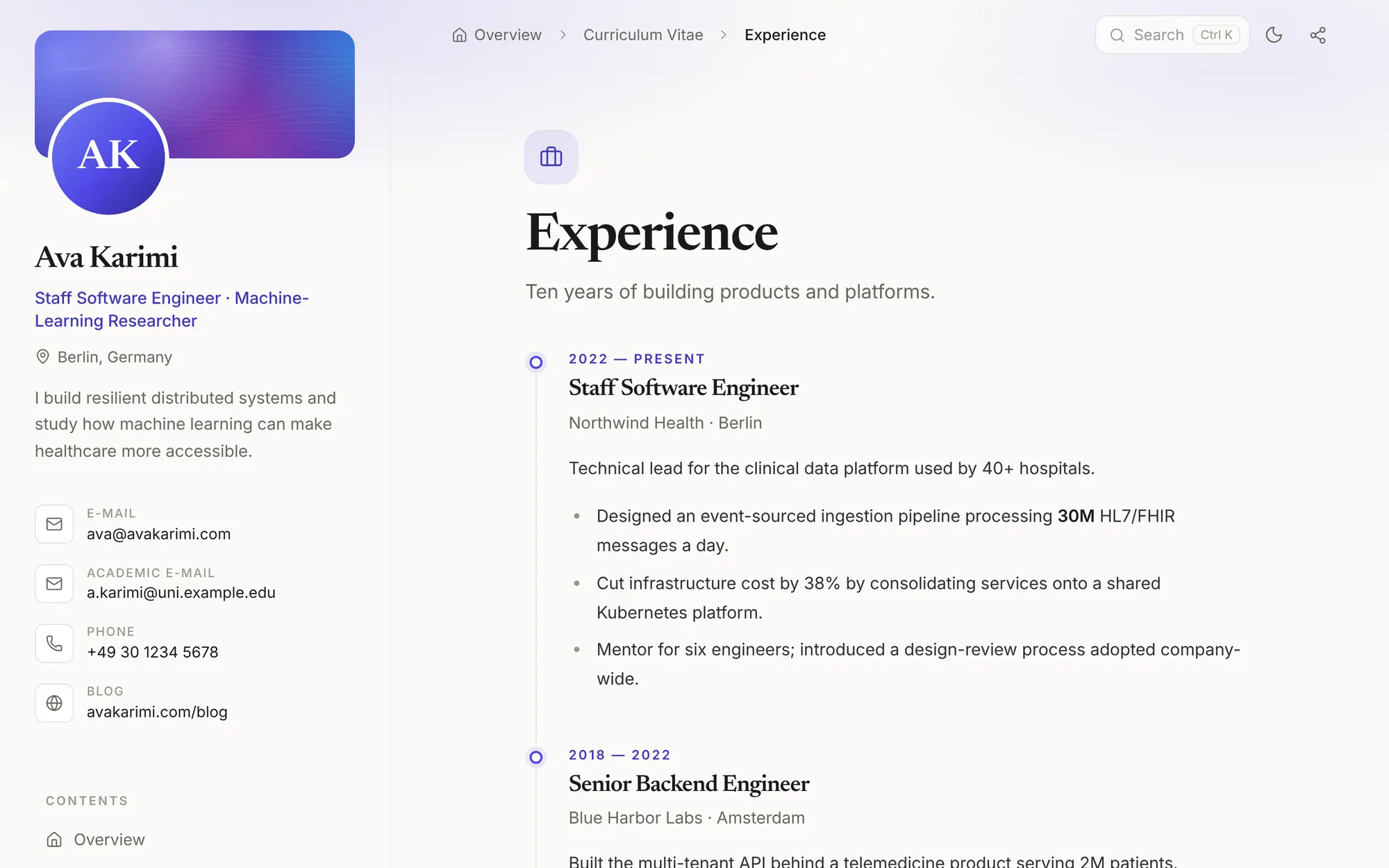
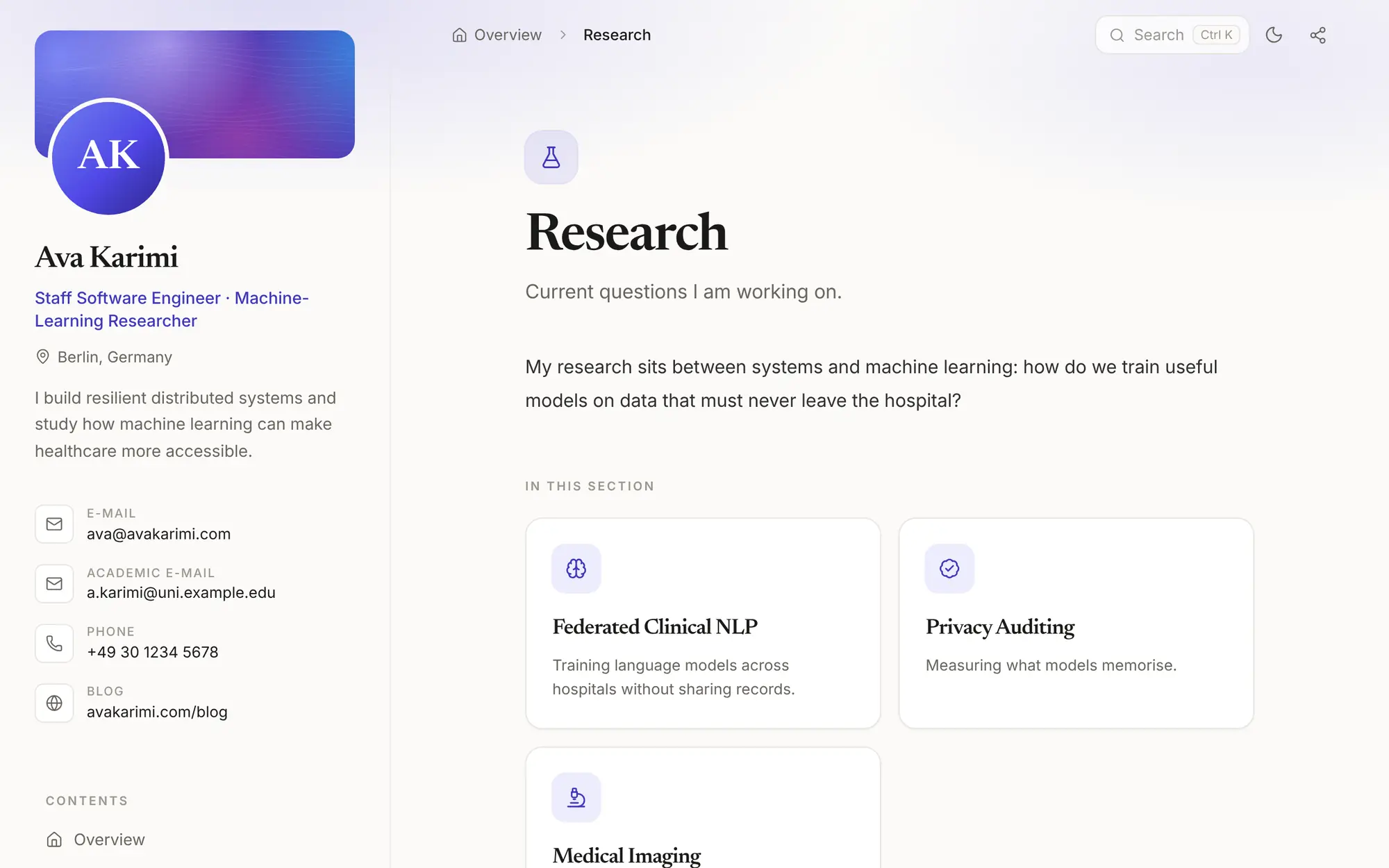
Your CV is split into sections that open like folders: experience, education, publications, projects, or anything else you need. Each section uses the layout that suits it.
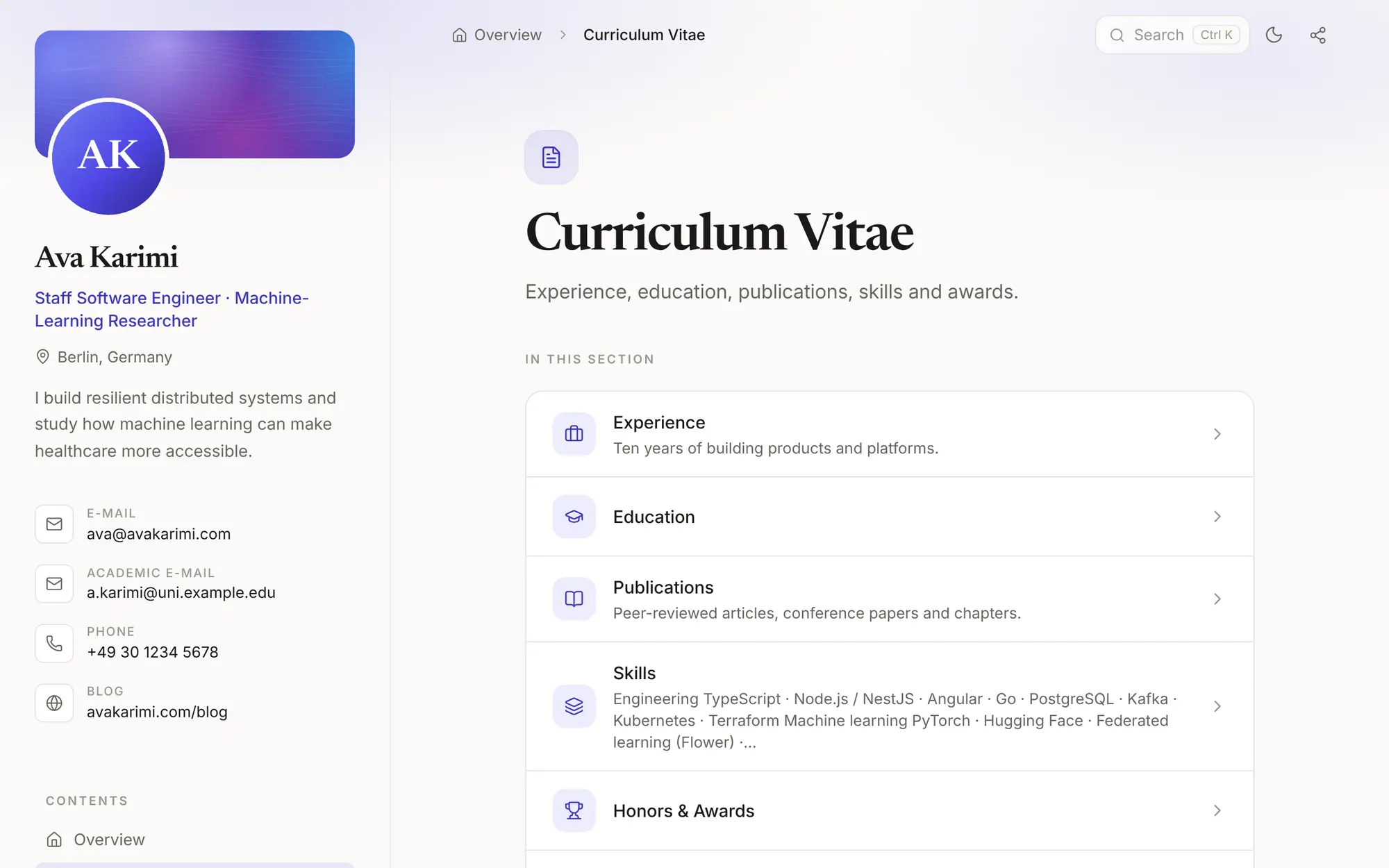
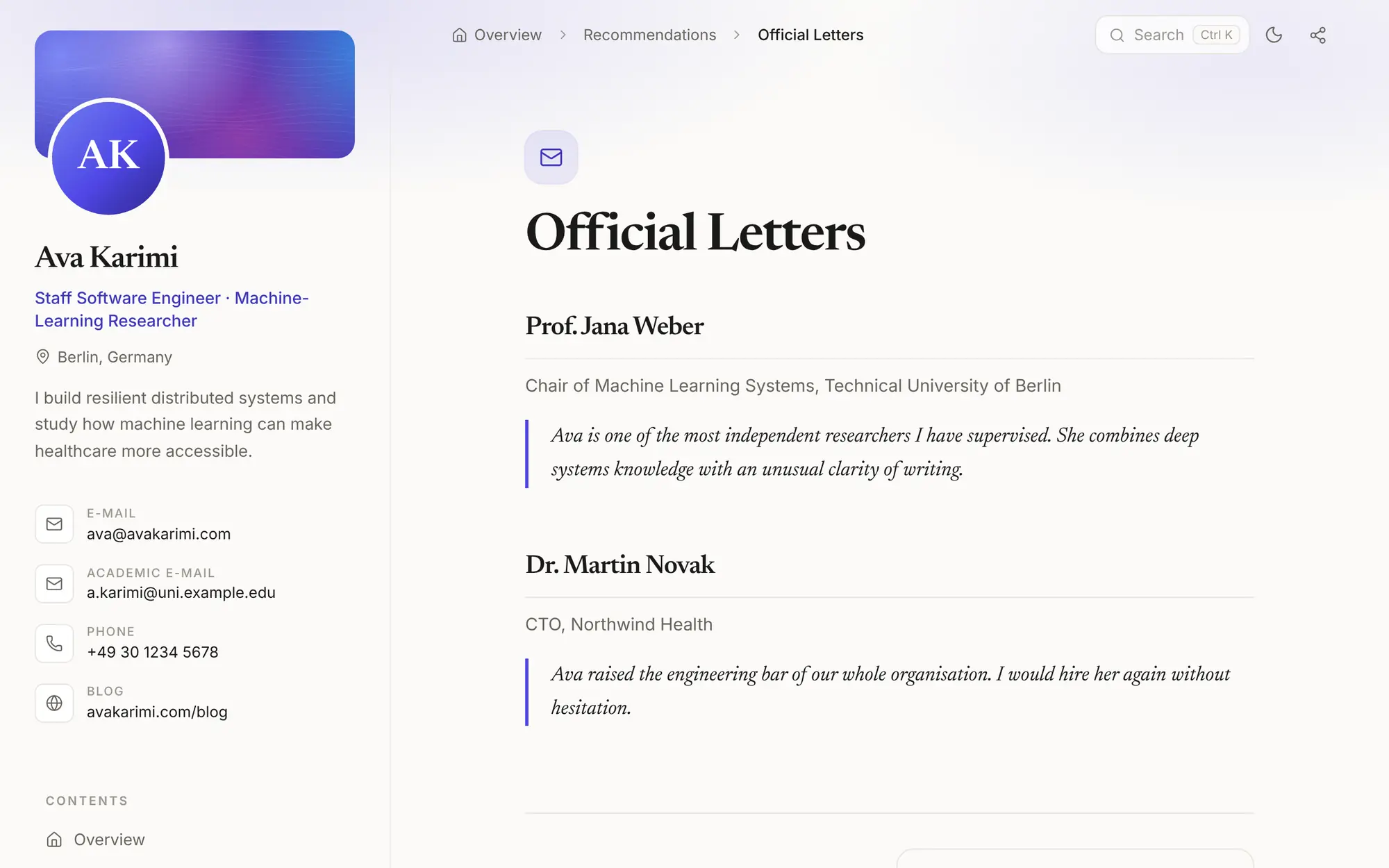
Most people will tap your link on a phone. Every page is designed for a small screen first, in light or dark mode.
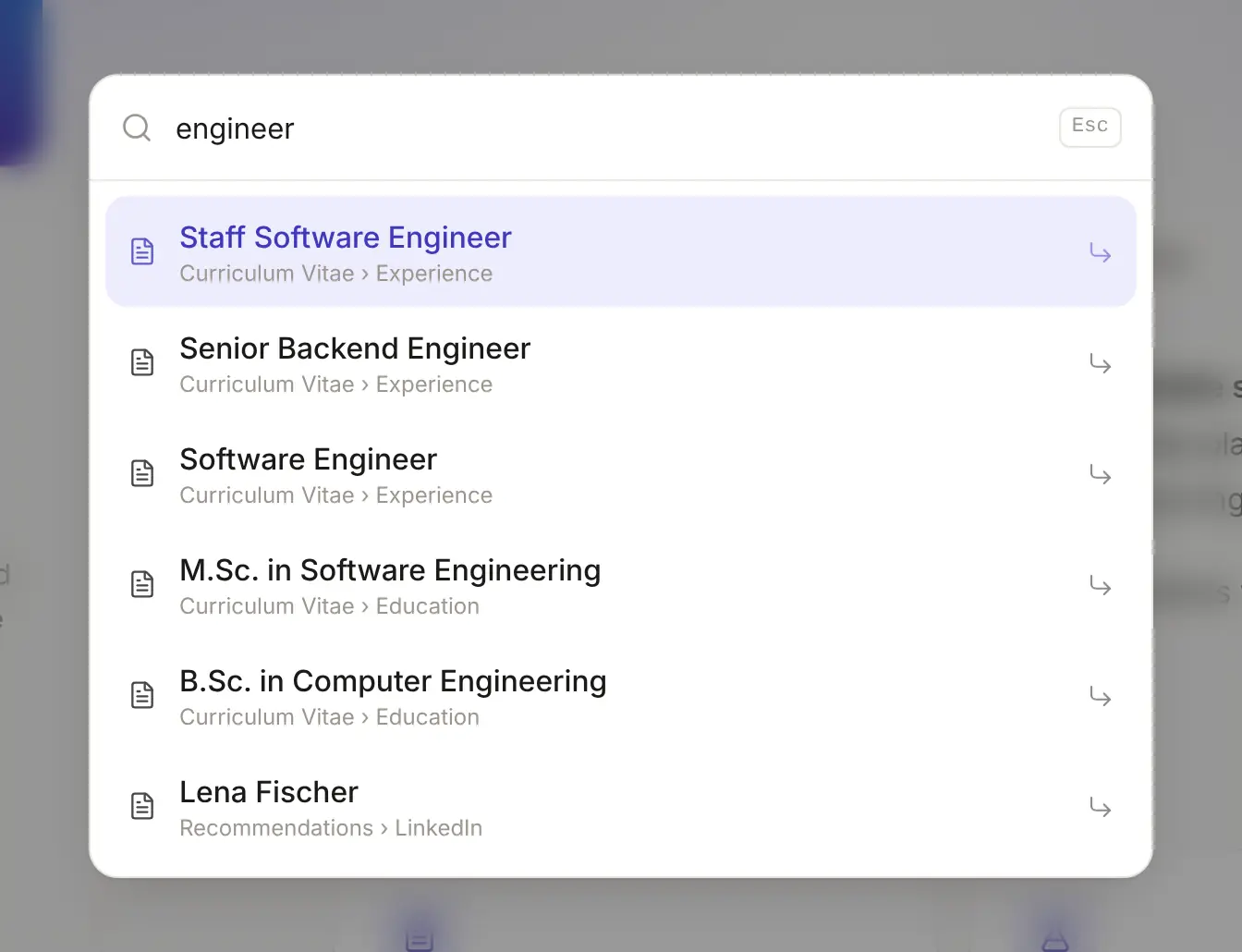
Visitors find any part of your CV by typing a word. On a computer, Ctrl K opens it.
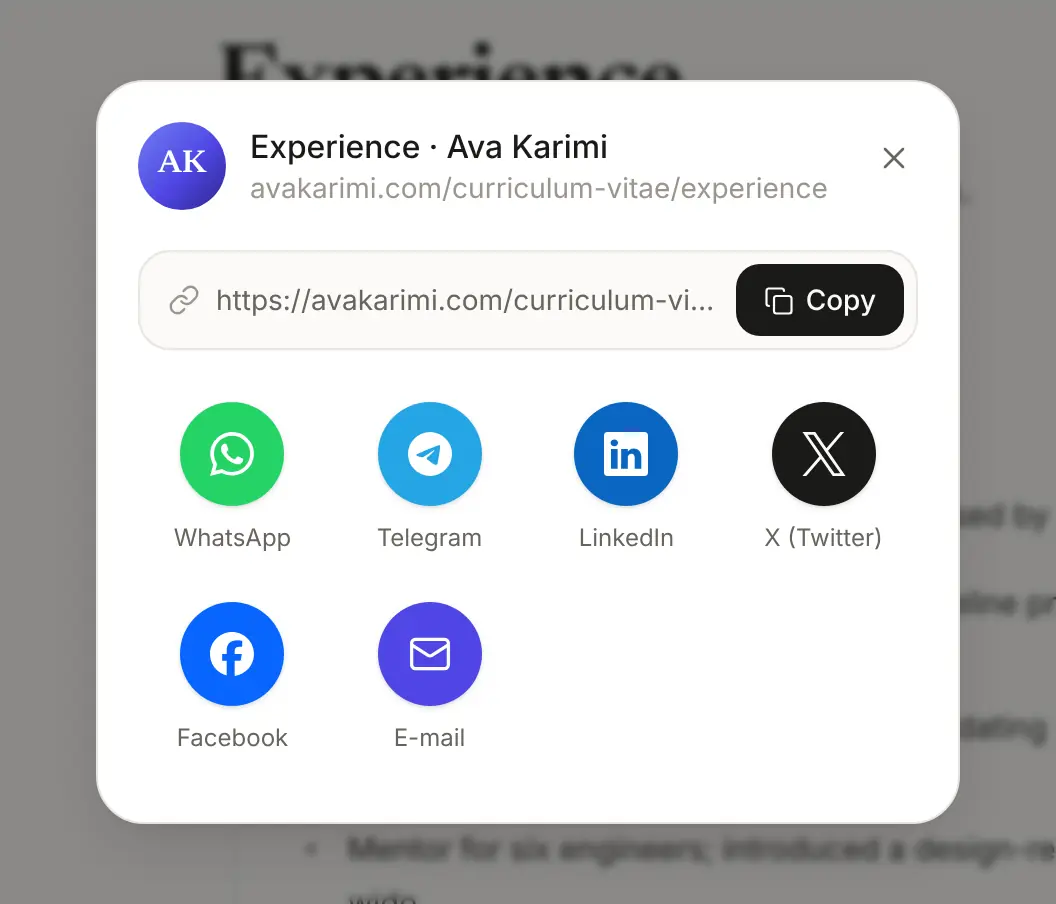
Phones open their own share sheet. Computers get WhatsApp, Telegram, LinkedIn, X, Facebook, email and a copy button.
Each page has its own title, description and sitemap entry, plus structured data that says who you are.
Links to your site show your name, a short description and your photo in chats and social posts.
Any page prints cleanly from the browser, for anyone who still wants paper.
HTTPS on your domain, served from data centres around the world, so it opens quickly wherever your reader is.
ava@avakarimi.com
Put it on your CV, your LinkedIn profile and your business card. Mail sent to it arrives in the inbox you already use.
avakarimi.com/admin
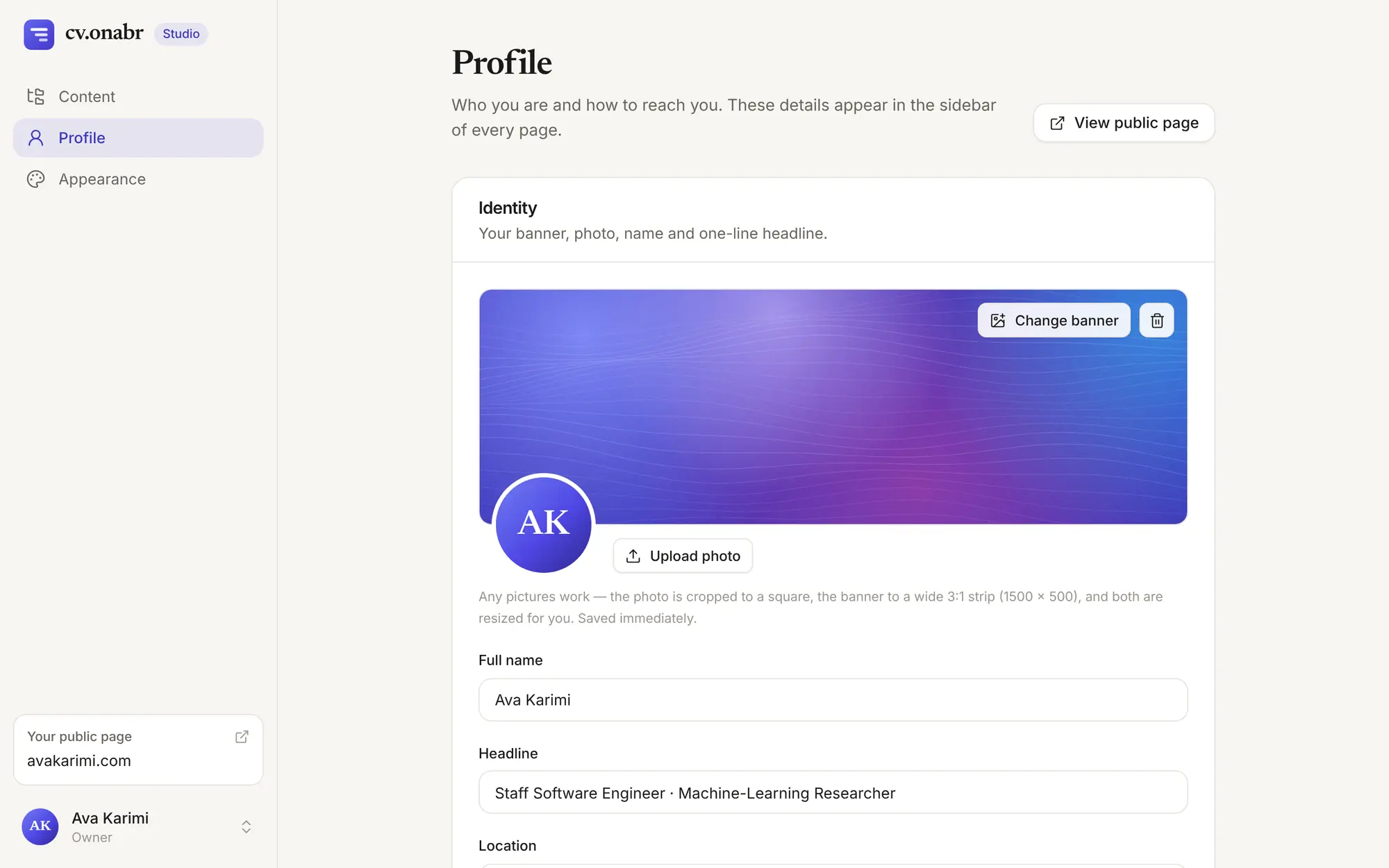
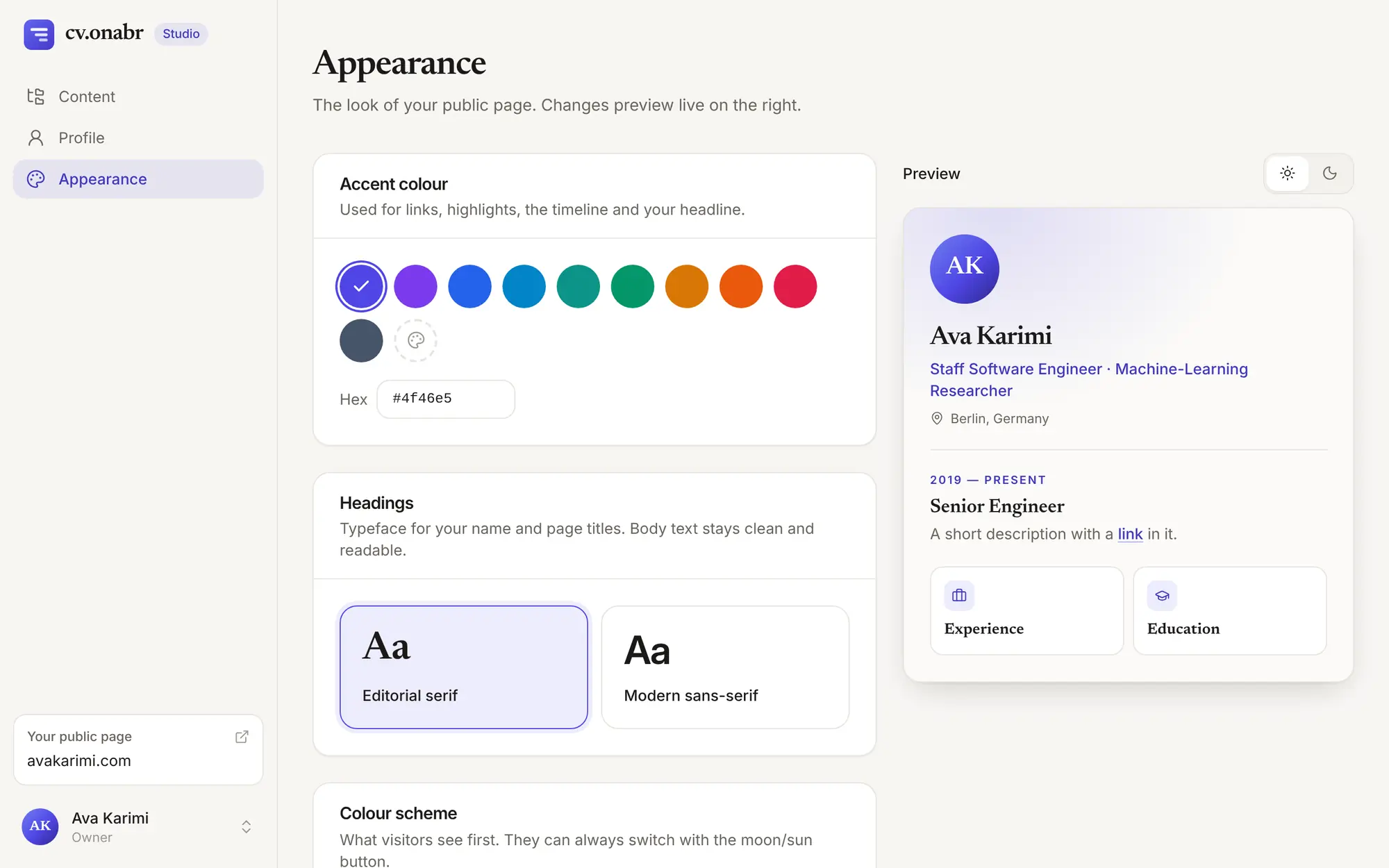
Your site comes with a private studio. Sign in from any browser, edit, and your site updates right away.
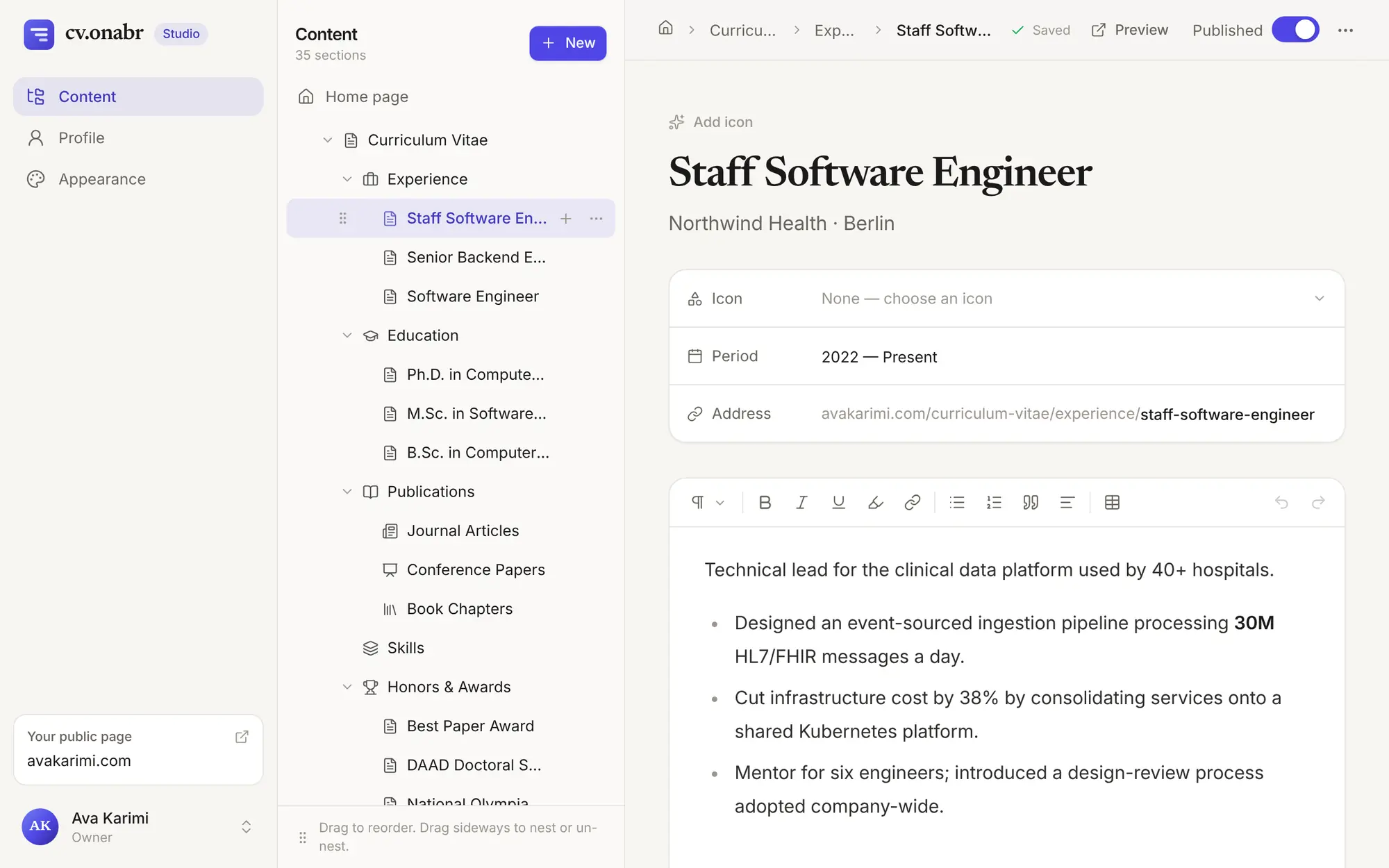
Headings, lists, quotes, tables, links and highlights. Everything saves as you type.
Reorder sections, put one inside another, or hide a section until it's ready.
Choose from about 200 icons, from medicine and research to teaching and awards.
Upload any picture. It's cropped and resized for you.
Pick an accent colour, a classic or modern heading style, and light or dark as the default.
Hide the whole site while you work on it. You still see everything when you're signed in.
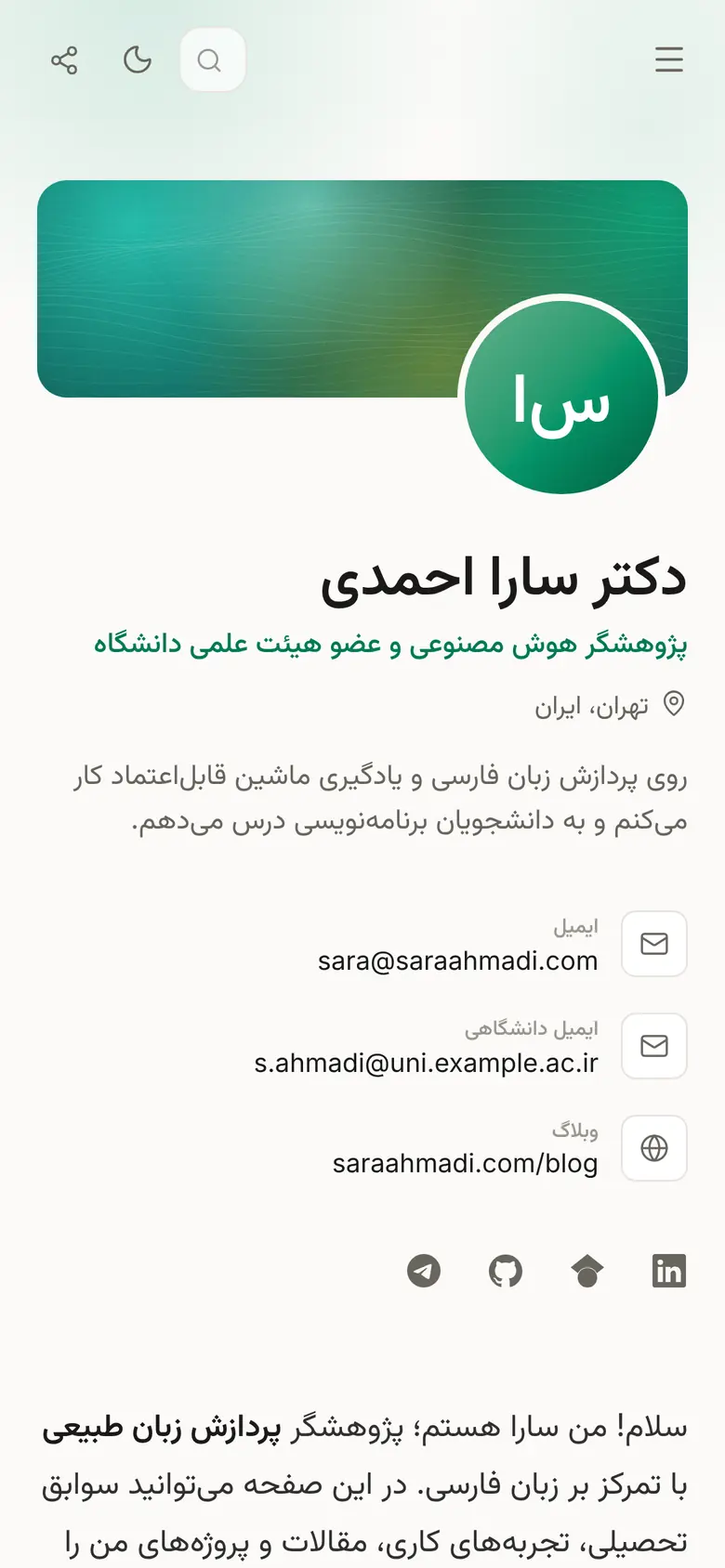
lang="fa" dir="rtl"
Write your CV in your own language. Menus and labels follow it, and a Persian or Arabic CV mirrors the whole layout, timeline included.

How it works
We do that one for you.
Buy the name you want from any domain registrar. It's registered to you, so it stays yours.
A PDF, a Word file or your LinkedIn profile is enough. Add a photo if you'd like one on the site.
We build your site, connect your domain, turn on HTTPS and create your email address. You change one setting at your registrar, and we'll show you which.
You get the key to your studio. Add a new job, a paper or an award whenever your career moves.
Questions
No. You send your CV and we handle the setup. Editing afterwards works like writing in a notes app.
You do. You buy it in your own name from the registrar you choose, and you can take it with you whenever you like.
Yes. The site can use your main domain or any subdomain, and your email address can still use the main domain.
Any inbox you already have: Gmail, Outlook, Yahoo, iCloud, or your university or company mail.
The address is set up for receiving. Messages sent to it arrive in your existing inbox, and you reply from there.
Every page has its own title and description, your site has a sitemap, and structured data tells search engines who you are. How soon you appear in results is up to the search engines.
Any language for your content. Menus and labels come in English, Persian, Arabic, German, French, Spanish and Turkish, and Persian and Arabic CVs use a right-to-left layout.
Yes. Switch off "Public site" in your studio and visitors see nothing until you switch it back on. You can also hide single sections.
Your content keeps seven days of history, so it can be restored to how it was at an earlier moment.
Get started
Tell us your name and the domain you want, or the one you already have. We'll reply with the next steps.